
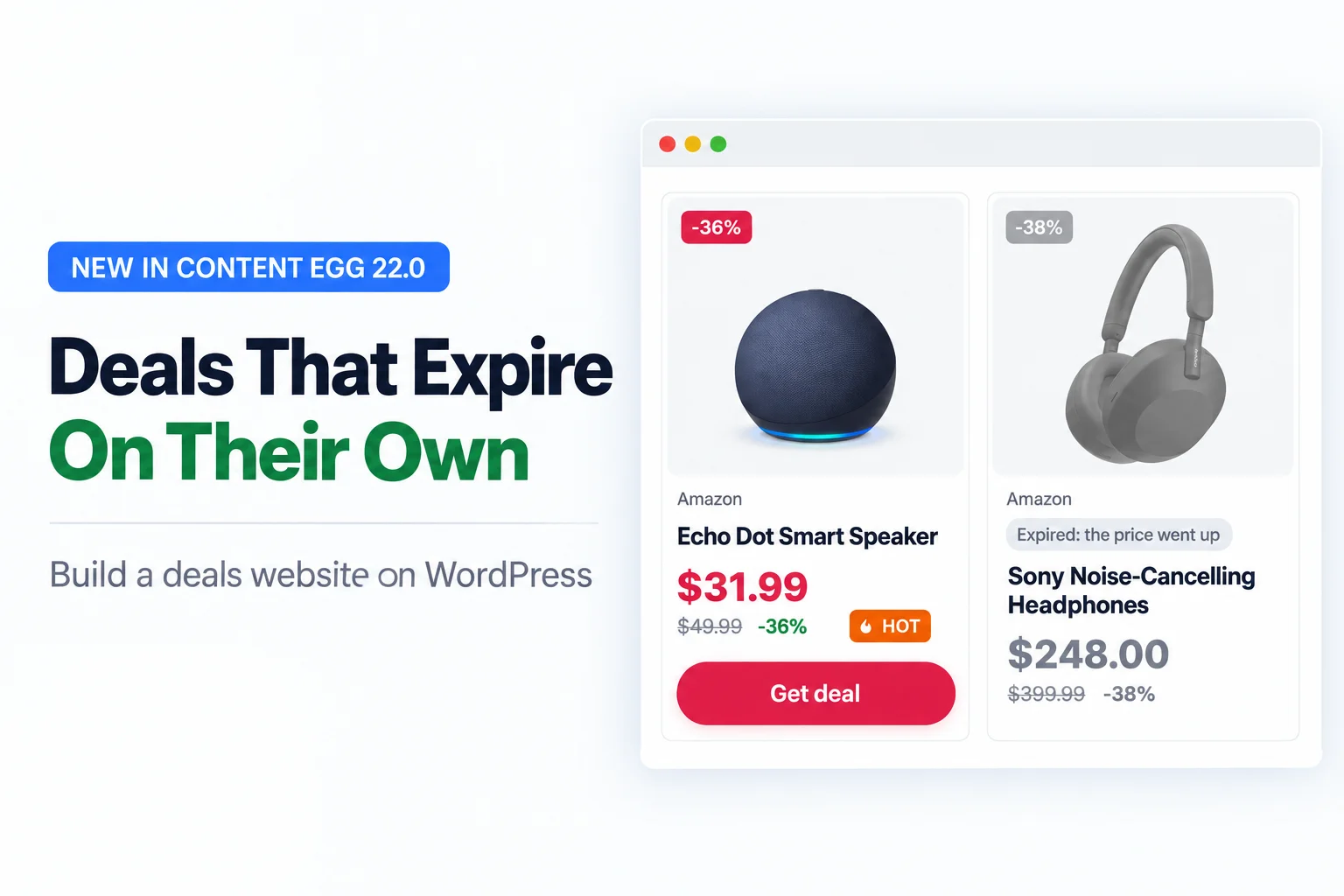
Anyone can post a deal. Paste a product, write “40% off”, publish.
The hard part comes a week later. The price is back to normal, or the product sold out, and your page still promises 40% off. A visitor clicks, sees a different price, and doesn’t come back.
Content Egg 22.0 adds deals, and they are built around that problem. A deal on your site knows its own price, and it takes itself down when it stops being a deal.
Why most deals pages go stale
A deal is a promise about a price, and prices move. Amazon changes some prices several times a day. Stock runs out. Lightning deals end on the hour.
On a site with ten deals you can check them by hand. On a site with three hundred, you can’t, so the old ones stay up. Every stale deal teaches a visitor that your prices can’t be trusted.
There is a second problem: fake discounts. A “was $199, now $99” line is only as honest as the $199. If the product sold for $99 all year, the deal is noise, and readers learn that too.
How deals work in Content Egg 22.0
Content Egg has tracked product prices for years. Deals are built on that same price data, so each deal page stays current without you touching it.
A deal expires on its own. It is marked expired when:
- the product goes out of stock,
- the price rises more than your threshold (5% by default) above the price the deal was posted at,
- or its end date passes.
And it comes back when the deal does. If the product is back in stock or the price drops again, the deal returns to your listings by itself. A deal you expired by hand, or one whose end date passed, stays expired.
Expired pages stay online. The page greys out and says why (“Expired: the price went up”), but the URL keeps working. Links in old videos and posts don’t break, and search engines don’t see a pile of 404s. You can hide expired deals from listings, or noindex them if you prefer.
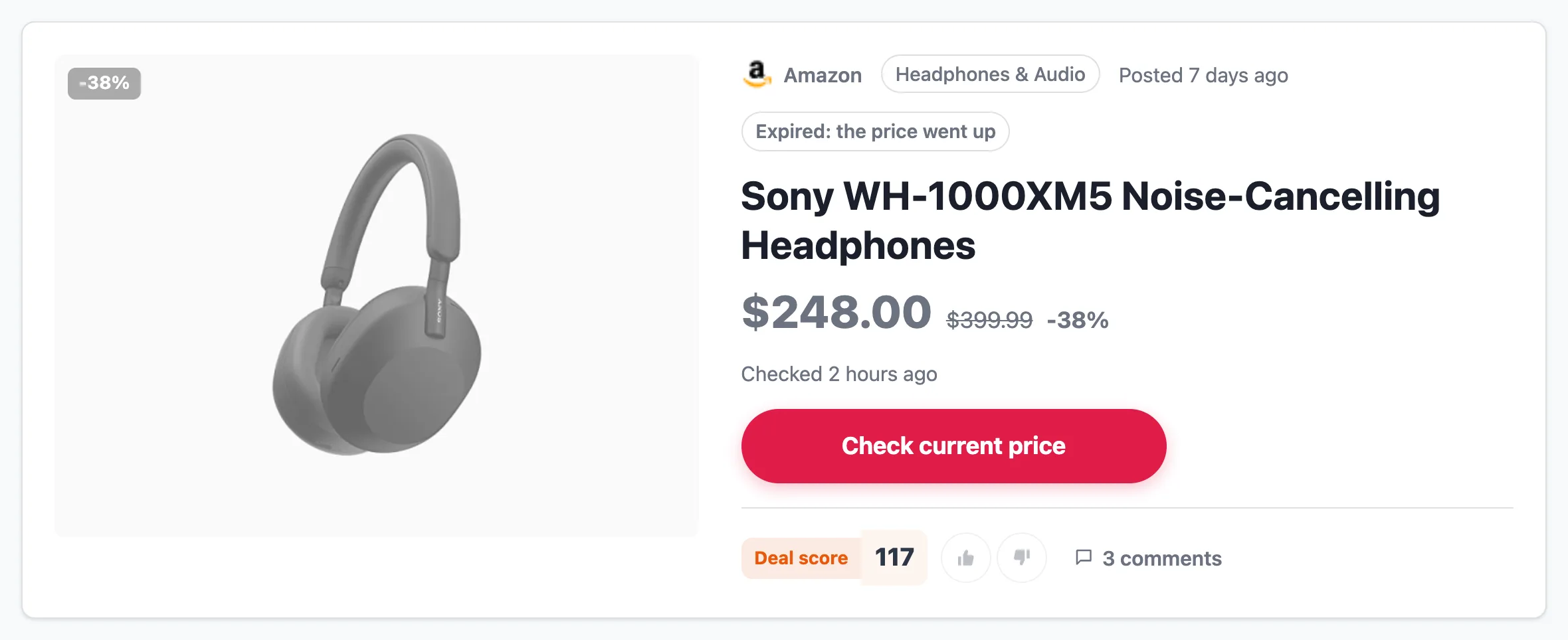
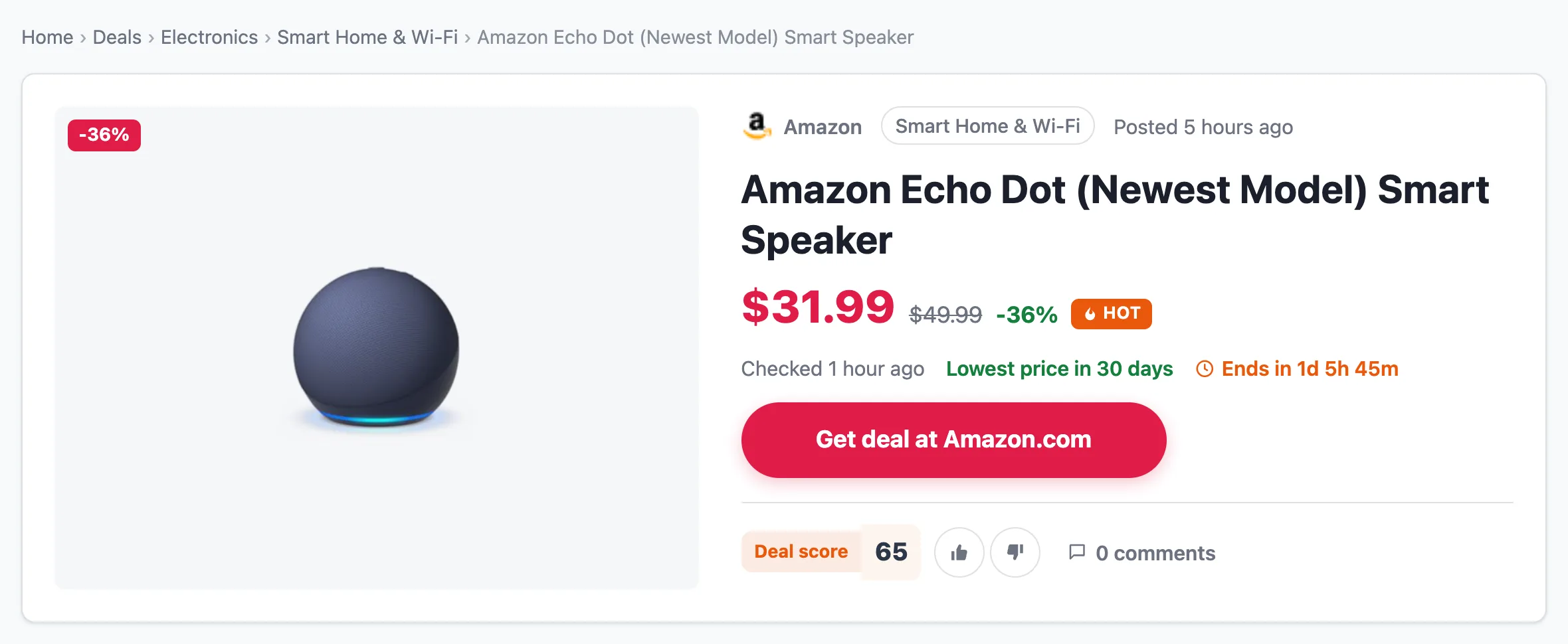
Honest discounts. The “Lowest price in 30 days” badge only appears when the price history covers at least 30 days and today’s price really is the lowest in that period. For automatic imports there is a “real discounts only” rule: set a minimum discount and in-stock only, and anything below it is never published.
Posting is quick. Paste a list of product links and each becomes a deal page, with price, old price, discount and store filled in. Or let an auto-import rule add them on a schedule.
Who it’s for
Deal creators on YouTube and social media. This feature started with an email from a user who runs a deals channel. His viewers clicked straight through to Amazon and Walmart. He wanted them to land on his own pages instead: one page per product in the video, with a price that stays current long after the video goes out. The link in the description keeps working, and the audience stays on his site.
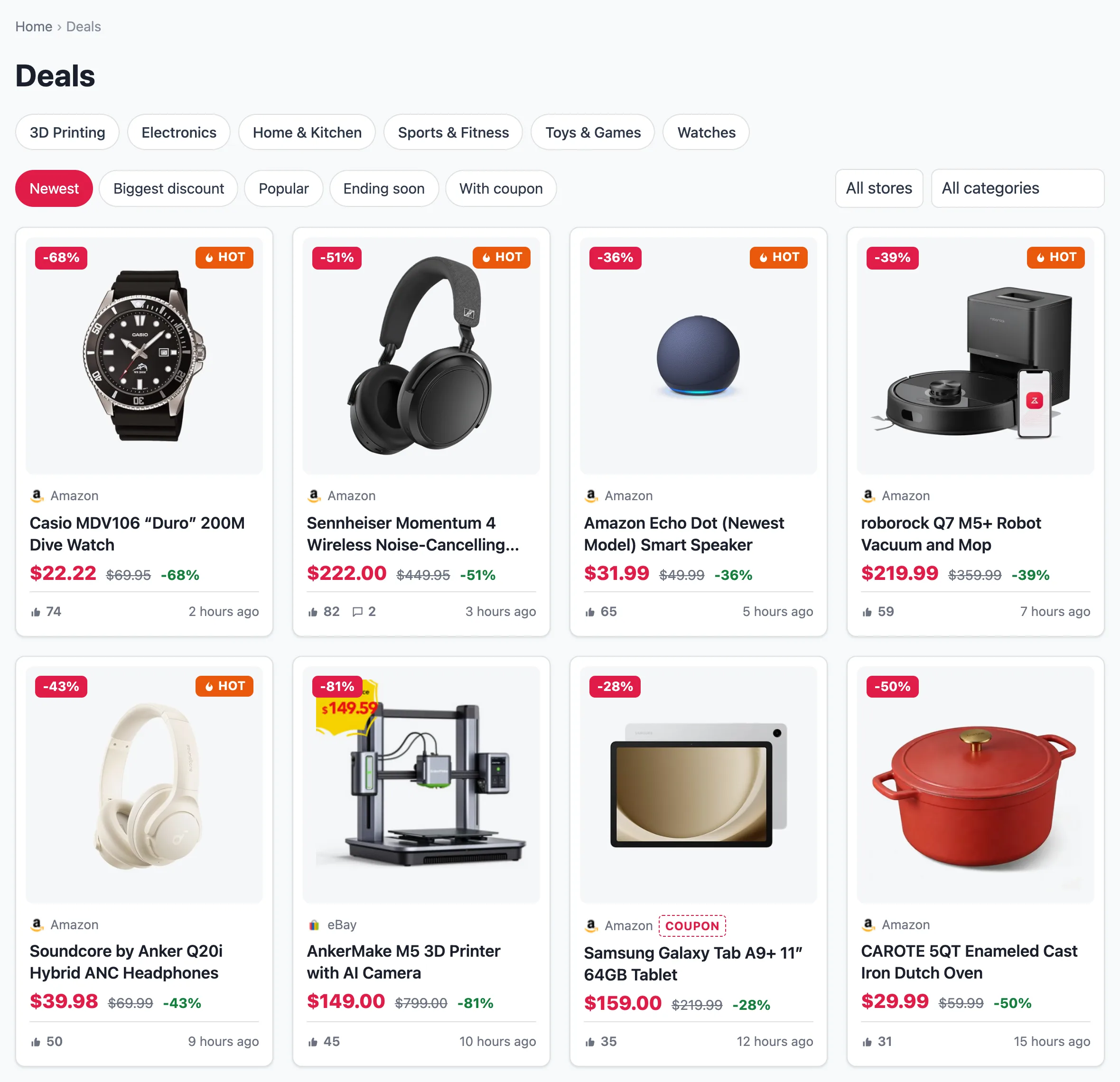
Niche sites with a deals section. A coffee or a camera blog can run a “Today’s deals” page next to its reviews. The Deals block drops a grid anywhere: hot this week, biggest discounts, ending soon.
Dedicated deals sites. Deals get their own post type, a /deals/ archive with sorting and filters, and store and category pages with breadcrumbs. It works with your theme, classic or block.
Voting, coupons and store pages
Visitors vote. Each deal has a thumbs up and down. The score drives the “Popular” sort, and deals that pass your threshold get a Hot badge. One vote per deal per visitor, checked on the server, so clearing cookies doesn’t buy a second vote.
A coupon code per deal. Add a code and a short note in the editor; the deal page shows it next to the buy button with a Copy button.
Store pages, and a bridge to cashback. Every store gets its own page with its logo, deal count and current coupons. If you also run Cashback Tracker, each store page links to that store’s cashback page, so one visitor can find both the deal and the cashback.
What’s next
This is the first version. Next on the list: a compact list layout for deal cards, a “Hottest deals” widget for sidebars, and a share button.
Deals are off by default, so updating changes nothing until you turn them on in Settings → Deals. If you build a deals site with it, I’d like to see it, and if something is missing, email me. I’m the developer who writes the code, and ideas from users go straight into the next release.
Set it up: Deals websites guide

With 20 years in affiliate marketing, Serge creates practical WordPress tools such as Content Egg and External Importer that help publishers manage and grow their affiliate sites.